Decision Craft Wiki
Tips & Best Practices
Make your sessions smoother, funnier, and more memorable.
Play With People
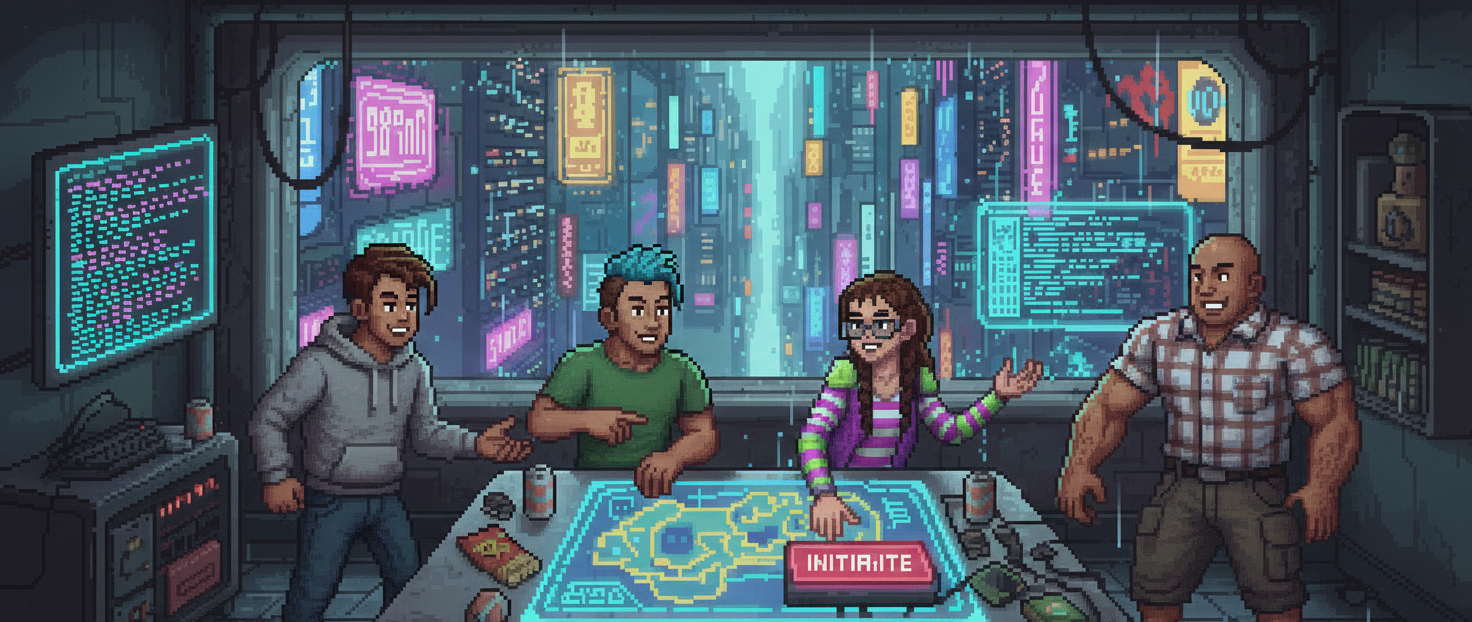
Decision Craft shines in co-op. More players means richer ideas, better roleplay, and more unpredictable outcomes.
Use Custom Choices Often
The fastest way to make the story feel personal is to write your own actions. Use suggested choices as inspiration, then edit or remix them.
Use Character Wishes For Custom Themes
If you start from a custom theme, give each player a short character wish. You do not need to overexplain it. A simple fantasy like "a disgraced knight" or "a shady healer" is often enough to steer the generator.
Talk To NPCs For Finer Control
Dialogue is great when you want a smaller interaction than a full action. Use it to ask follow-up questions, negotiate, roleplay, or squeeze more information out of a scene.
Use Items & Skills
Items and skills can be used directly from your character view. When you click one, it pre-fills a custom choice so you can act immediately.
Switch Between Story And Summary
Use Story for immersion and Summary for speed. The summary is great for quick catch-ups if someone joins late.
Try Voice Features
If your browser supports it, text-to-speech and speech-to-text make the game more accessible and faster to play.
Treat Images As Inspiration
AI images can be impressive, but they are not guaranteed to be perfect. If a portrait or scene has a weird detail, either roll with it as part of the story or use the edit tools when the mistake matters.
Use Edit Tools When The AI Misses
Do not abandon a good run because of one wrong portrait, item, skill, or NPC description. The edit tools exist specifically to keep the session moving.
Check Quests Regularly
Quests keep the party aligned. When the group is unsure what to do, revisit the main quest or a personal quest for direction.
Review Past Rounds
Use the round navigator and summaries to recall past decisions and keep the story consistent.
Keep The Pace
Short, decisive choices keep the story moving. If the group is stuck, pick a direction and let the next round evolve it.